Every venue runs different.
Every screen stays on cue.
Pick your world. Here’s what day one looks like.
Menus that keep up with the kitchen
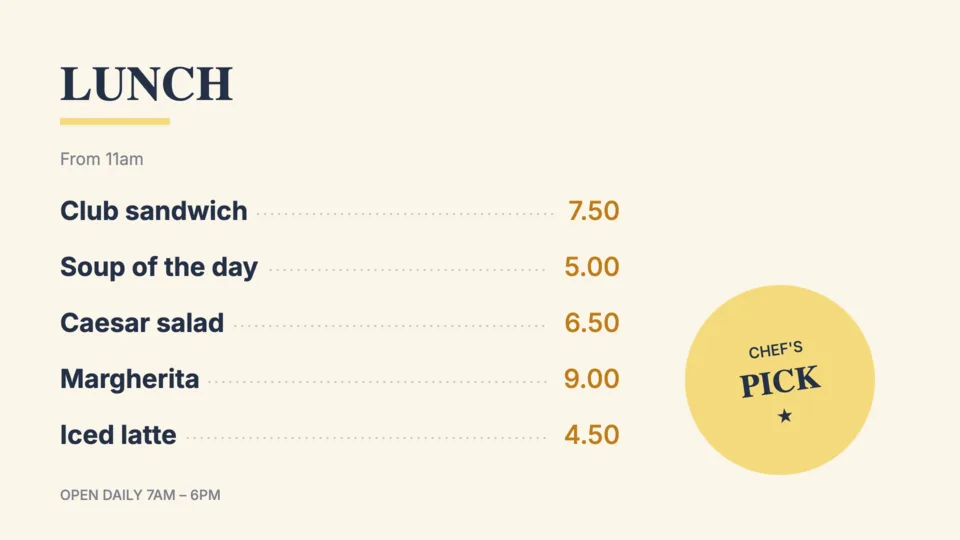
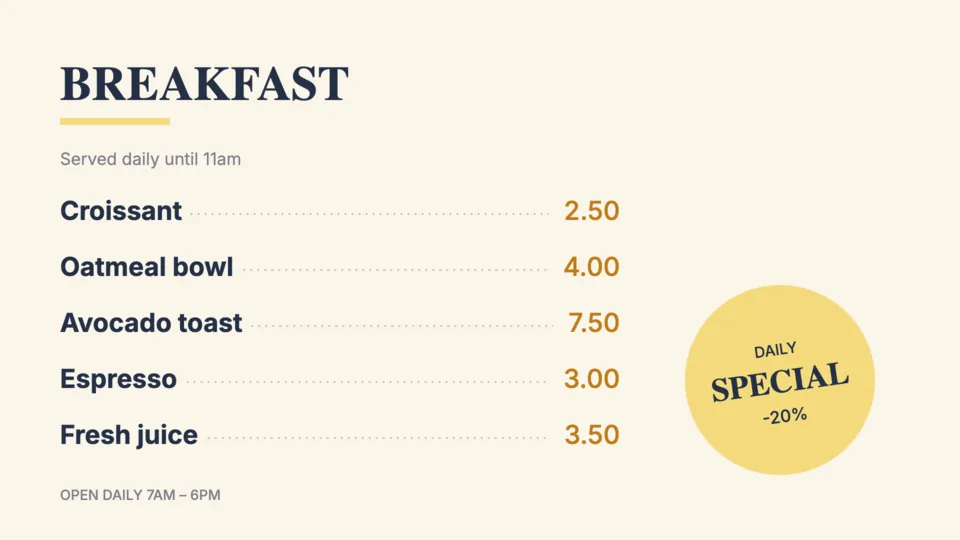
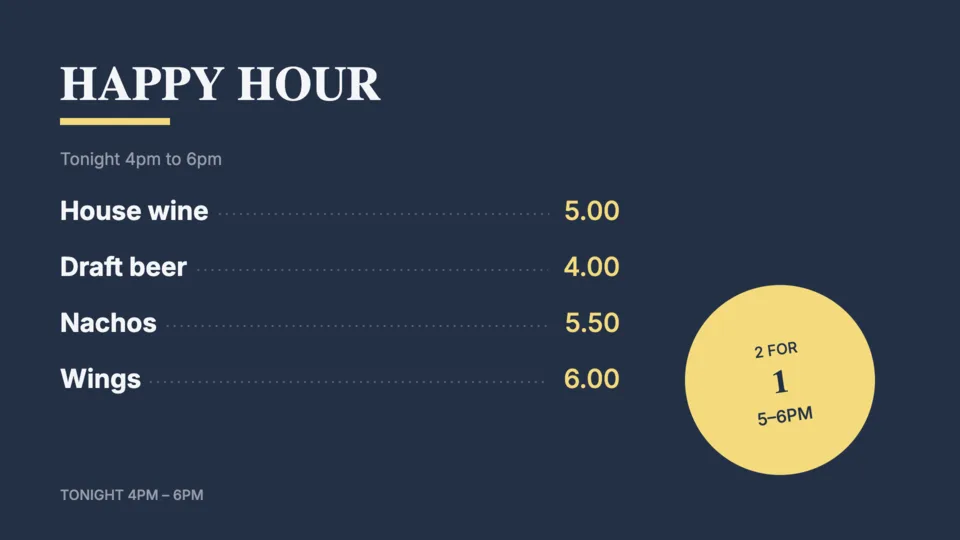
Breakfast flips to lunch on its own. When a special sells out, it’s off every board before the next customer orders.
Every window, on message
Launch a promotion in one store or every location at once. Swap it the moment the sale changes.
The floor hypes itself
Today’s classes, trainer shout-outs and promo reels rotate all day. Nobody ever touches a TV.
Every hallway, up to date
Morning announcements post themselves, wayfinding stays current. An urgent alert takes over every screen within a minute.
Cafés · salons · clinics · churches · offices. If it has a screen, DPQUE runs it.
Everything your screens need, nothing they don’t
Remote control, live
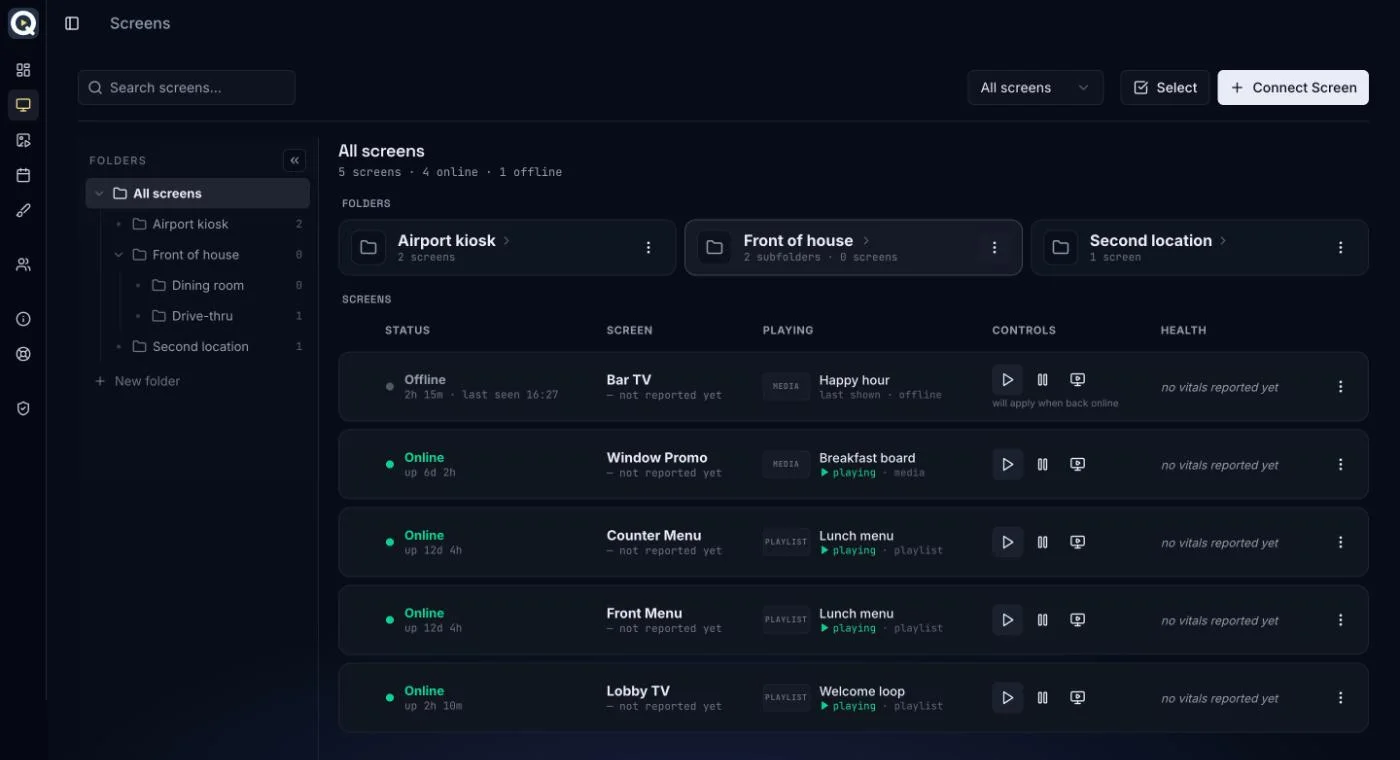
Change any screen from your desk or your phone. See what’s playing and push new content. Re-sync a stuck screen without a ladder.
Schedule everything
Program the week once. Menus switch at 11 sharp, screens sleep after close and wake before open, all on their own.
Playlists & media
Upload once, play anywhere. Drop images and video into playlists and reuse them across every screen.
Multi-zone layouts
One screen, many jobs. Menu on the left, promo reel on the right, ticker below. Designed in your browser, pixel-exact on the TV.
Live monitoring
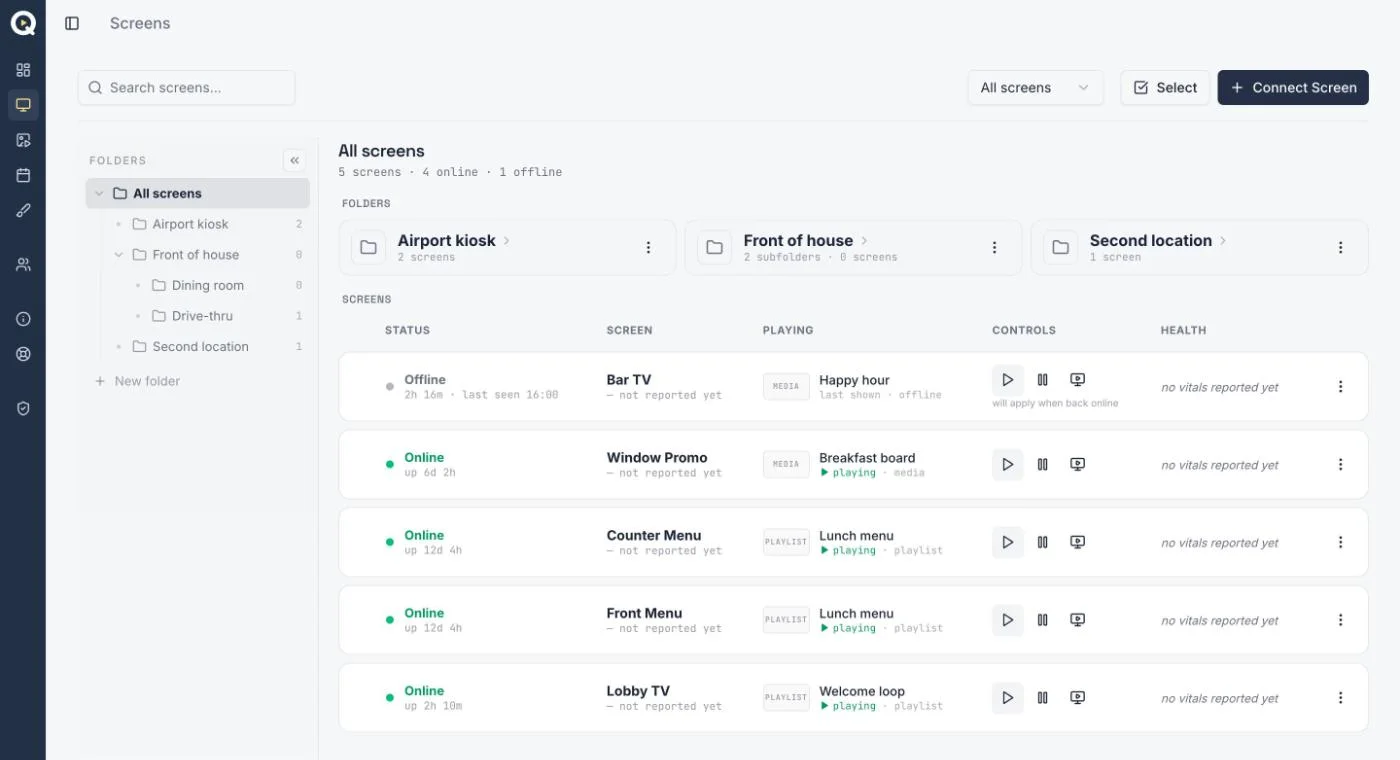
Every screen reports in. What’s playing, what’s online, what needs attention: the whole fleet at one glance.
Teams
Everyone on the same page. Invite your team by email and see every team account’s screens in one view. Monitor and control included.
Live in three steps
Plug in any screen
Open the DPQUE app on any TV device and scan the QR code with your phone. Paired in under a minute. No setup wizard, no IT ticket.
Build your content
Upload media, arrange playlists, and design multi-zone layouts right in the browser. Start from a template or a blank canvas.
Go live, stay in control
Push to one screen or the whole fleet, schedule the week ahead, and change anything later from wherever you are.
Two ways to put DPQUE on a screen
Install the free app on a Google TV device today, or reserve the DPQUE Player for this fall.
Google TV or Android TV
DPQUE Player
Fire TV on Fire OS models: 4K Max, 4K Plus, Cube. Vega OS sticks aren’t supported.
Samsung, LG, projectors: plug a Google TV stick into any HDMI port. Which stick?
Same app, same dashboard on every device.
Editing our menu boards used to take all day. Now we make a file, upload it, and it’s on every screen. Anyone who can use a smartphone can run it.
RESTAURANT OWNER · MULTIPLE LOCATIONSSimple per-screen pricing
One plan, everything included. Volume discounts available for bulk screens. Every screen starts with a free trial.
Standard
Everything DPQUE does, on every screen you run.
Enterprise
For fleets, franchises and custom needs.
DPQUE Player
Our own plug-and-play signage device. Pairs itself the moment it powers on. Kiosk mode, built for 24/7.
Zero-setup hardware for screens you would rather not touch again. Email support@dpque.com to reserve one; pricing announced when it ships.
Questions, answered
A Google TV device is the one to buy today: Chromecast with Google TV or an onn. 4K box, with the free DPQUE app from Google Play. Fire TV works on Fire OS models (4K Max, 4K Plus, Cube); Vega OS sticks don’t. For a Samsung, LG or projector, plug a Google TV stick into HDMI. Anything running Android TV 9 or Fire OS 7 or newer works, and 1.5 GB of RAM keeps video smooth. Our own DPQUE Player ships October–November 2026. See Devices.
Yes. Every screen reports to the same dashboard wherever it is. Group them by location in folders, change content on one screen or a whole folder at once, and see which ones are online from your desk or your phone.
It keeps playing. Content is stored on the device, so playback continues without a connection. When the connection returns, the screen picks up any changes you made in the meantime.
Yes. Build a schedule with one event per daypart, assign it to the screen, and it repeats every week. A Screen Off block goes dark overnight and the screen comes back with the next event.
Yes. Every account starts with a 30-day free trial and no card is required. Subscribe when you want to keep going; your screens and content carry over.
A team has one admin and any number of team accounts. Each team account keeps its own screens and billing. The admin sees every team account’s screens on the Team page and can change content there. Built for an owner with several franchisees, or a head office and its stores.
 DPQUE
DPQUEDigital signage, run from anywhere. Publish, schedule and steer every screen from one place.